December 10, 2025·Product
Integrate Okta for Admin Authentication
Shahed Nasser

Shahed Nasser
Learn how to authenticate Admin users with Okta and add a "Login with Okta" button to the Medusa Admin.
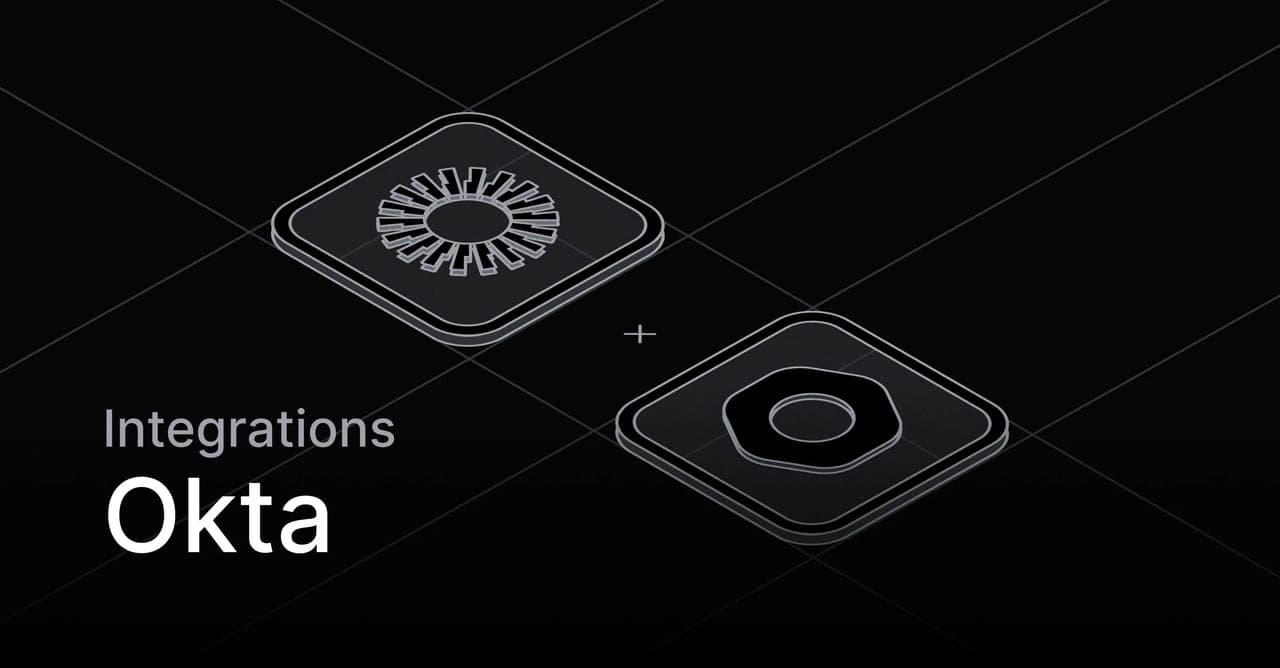
Medusa is a digital commerce platform with a built-in framework for customization. Its architecture makes it easy to integrate third-party services into your commerce ecosystem. Medusa's Auth Module delegates authentication processing and logic to external providers, allowing you to use existing authentication portals your business already relies on.
Okta is an enterprise-grade identity management service that provides secure authentication. By integrating Okta with your Medusa application, you enable users in your Okta organization to authenticate and access the Medusa Admin without needing to create separate credentials.
Integrate Okta with Medusa for Admin Authentication
Follow this step-by-step guide
Okta Auth Module Provider
Medusa's Auth Module provides an interface in the Medusa application for authentication features. It relies on underlying providers to handle the authentication logic, enabling admin users, customers, and custom actor types to authenticate.
To authenticate admin users with Okta, you can create an Okta Auth Module Provider that implements the necessary logic for Medusa's authentication interface.
1234567891011121314151617181920class OktaAuthProviderService extends AbstractAuthModuleProvider {/*** Return the Okta URL to redirect to for login*/async authenticate(data, authIdentityProviderService) {// ...return {success: true,location: oktaAuthUrl,}}/*** Validate callback from Okta and create user's auth identity*/async validateCallback(data, authIdentityProviderService) {// ...return {success: true,authIdentity,
Integrated Authentication Flow
You can then authenticate admin users by sending requests to Medusa's authentication routes. These routes support retrieving the Okta authentication URL and validating the callback from Okta, allowing the user to authenticate into Medusa.
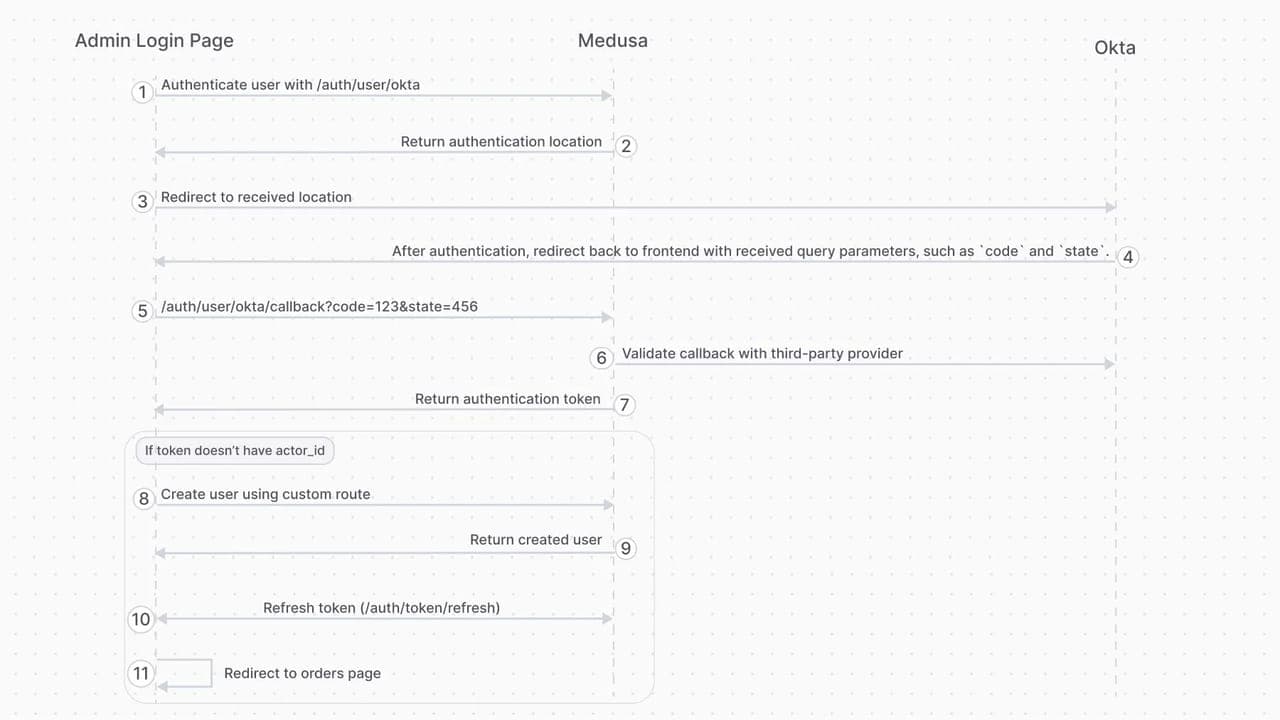
Inject Login Button in Medusa Admin
Finally, you can inject a widget into the Medusa Admin login page that shows a “Login with Okta” button. The widget initiates and manages the authentication flow, allowing the user to log in to the Medusa Admin with Okta.
1234567891011121314151617181920const LoginWithOkta = () => {const [searchParams] = useSearchParams()const oktaLogin = async () => {const result = await sdk.auth.login("user", "okta", {})// Redirect to okta for authenticationwindow.location.href = result.location}const sendCallback = async () => {// Validate callback in the serverreturn await sdk.auth.callback("user","okta",Object.fromEntries(searchParams))}const validateCallback = async () => {const token = await sendCallback()
Tutorial: Integrate Okta with Medusa
In this new tutorial in the documentation, you’ll learn how to:
- Integrate Okta as an Auth Module Provider in Medusa.
- Handle creating Okta users in Medusa.
- Add a “Login with Okta” button to the Medusa Admin login page.